6 min read
One screen, two buttons
When a phone gets a big update, most of us tap through the setup screens as fast as we can. We want the new features, and the questions in between feel like paperwork.
Apple's iOS 27 update in September 2026 brought a new version of Siri, and with it a new question on one of those screens. It asks whether you want to share your Siri conversations with Apple so the company can use them to improve its AI. It is a real choice, and it is easy to miss.
What happened
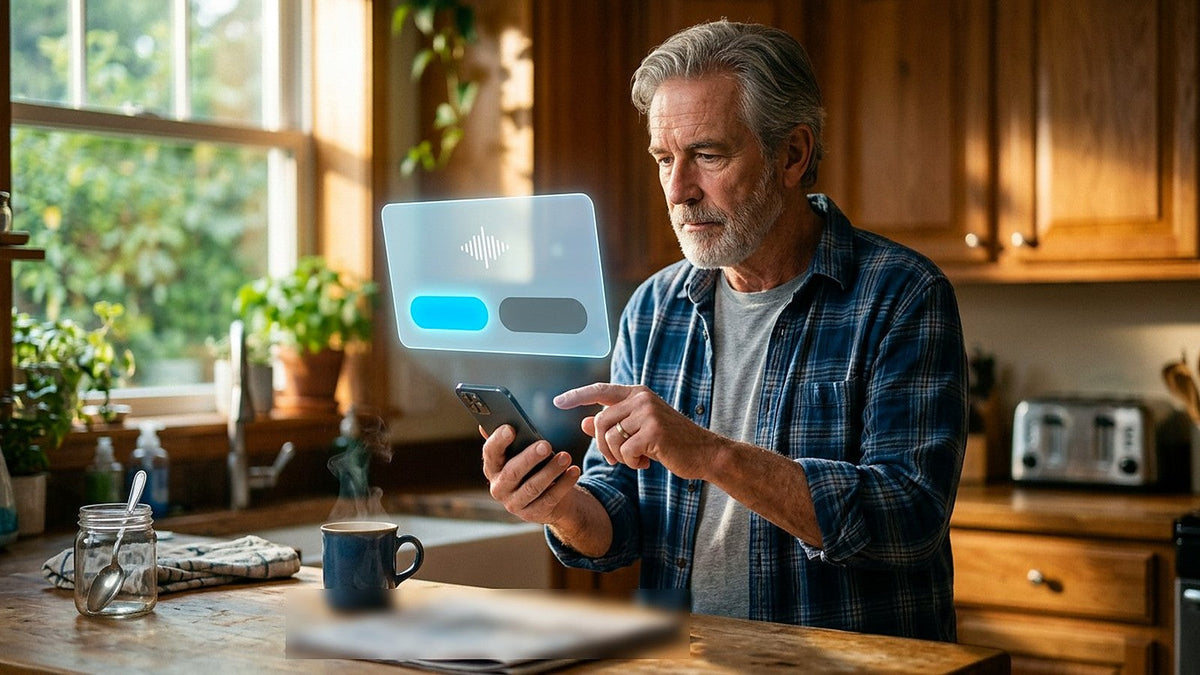
Apple released its new Siri to the public on Sep 14, 2026, as part of iOS 27 and its other software updates, after several months of testing. When you turn the new Siri on, a screen asks if you want to help improve Siri and Apple Intelligence, Apple's name for its AI features. 9to5Mac reports the two buttons as "Share Audio and Text" and "Not Now." Cybernews described the screen as offering a prominent agree option and a less noticeable "Not now" button.
If you agree, Apple can collect audio recordings of your Siri conversations, transcripts of what you said or typed, and Siri's answers. The kind of data is not new. Earlier versions of iPhone setup asked whether you wanted to help improve Siri and Dictation, and people who said yes were already sharing their audio and transcripts. What changed, 9to5Mac explains, is how Apple uses it. The data can now also go toward training Apple's foundation models, the large AI systems that power its newer features. People who opted in under the old setting will be asked again when they turn on the new Siri.
According to Cybernews, Apple's privacy policy used to say flatly that personal data and interactions were never used to train those models. The policy now adds an exception: "unless you explicitly choose to help improve them." Cybernews also pointed out that the policy describes people reviewing the data as part of the improvement process, without saying much about how that works, and that it gives no time limit for how long the data is kept.
To be fair to Apple, the setting is opt-in, so nothing is shared unless you say yes. Apple says shared data is linked not to your Apple Account or email address but to a random code your device creates and replaces several times an hour. It also says it does not use this data to build a marketing profile and does not sell it. You can change your mind later in Settings.
On Sep 18, the Electronic Frontier Foundation (EFF), a nonprofit digital rights group, published a step-by-step guide to limiting what the new Siri can see. EFF pointed out that Siri searches the contents of Apple's own apps, such as Notes and Messages, by default. It also noted that some requests are handled on the phone while others go to Apple's own cloud servers, which Apple calls Private Cloud Compute, and that the screen gives no sign of which path a request took. Apple says data sent there is not stored after it is processed.
This is not the first time Siri has been part of a privacy dispute. Reuters noted that in December 2024, Apple reached a $95 million settlement with users over claims similar to those made against Google Assistant.
How this kind of thing happens
AI systems learn from examples. A model that understands speech gets better by hearing real people talk: different accents, background noise, kids interrupting, half-finished sentences. Recordings from real phones are that kind of example.
Training means the company feeds those examples into its systems so the model adjusts itself. Once something has been used that way, it shapes how the model behaves going forward. Timing matters too. A question asked once, at the moment you are eager to try a new feature, can easily get a quick answer.
An identifier that is not linked to your account is a real privacy step. It makes it harder to connect a recording back to you. The recording itself, though, can still contain your voice, the names of people in your family and details about your day.
Why it matters at home
People say things to a voice assistant they would not type into a search box. They ask it to call the pharmacy, remind them about a doctor's appointment, or add something to the shopping list while the kids talk in the background. Those requests paint a picture of a household.
Many families also share devices, or set up phones for children and older parents. The person tapping through setup may be deciding for someone else, and one tap decides whether those recordings are shared.
None of this means Apple is doing anything secret. The choice is on the screen and you can reverse it. The point is to make that choice on purpose.

What you can do
- Choose on purpose at setup. If you do not want to share, tap "Not Now" when the new Siri asks.
- Check your current setting. Go to Settings > Privacy & Security > Analytics & Improvements and turn off the Improve Siri option. 9to5Mac lists it as Improve Siri & Apple Intelligence; EFF's guide refers to it as Improve Siri & Dictation.
- Look again if you said yes before. Apple will ask people who opted in under the old setting again, so take that moment to decide fresh.
- Keep some apps out of Siri's reach. EFF suggests going to Settings > Apps, choosing an app such as Messages, opening Search and turning off Show Content in Search.
- Be careful with what is on screen. EFF says there is currently no way to block Siri's on-screen awareness, the feature that lets Siri read and act on what you are looking at. It suggests being cautious about using it in secure messaging apps.
- Use the older Siri or turn it off. EFF notes you can switch back to Siri Classic under Settings > Screen Time > Content & Privacy Restrictions > Siri > Allowed Siri Version, though it says this option is temporary, or turn Siri off entirely under Settings > Siri > Turn Off Siri.
- Check family devices too. Go through the same settings on phones you set up for children or parents.
The question to ask
Before I tap "Agree" on any assistant: where will my voice end up?
How HOLLIS H-Ai handles it
HOLLIS H-Ai doesn't collect your recordings. It works on your own computer, built for your household's daily tasks. Your voice stays in your household.
Sources
- 9to5Mac, Sep 14, 2026
- Cybernews, Sep 15, 2026
- EFF, Sep 18, 2026
- EFF, EFFector 38.17, Sep 30, 2026
- Reuters via Business Insurance, Jan 26, 2026
This article is based on the published reports listed above, written in our own words. Details are as reported on the dates shown. Spotted an error? Email support@krudodesigns.net and we will correct it.